Skip to content
View in the app

A better way to browse. Learn more.

allnurses

A full-screen app on your home screen with push notifications, badges and more.

To install this app on iOS and iPadOS
  1. Tap the Share icon in Safari
  2. Scroll the menu and tap Add to Home Screen.
  3. Tap Add in the top-right corner.
To install this app on Android
  1. Tap the 3-dot menu (⋮) in the top-right corner of the browser.
  2. Tap Add to Home screen or Install app.
  3. Confirm by tapping Install.
Discussion

GIFs

  • Experts

Like Daniel Gilbert's great book, I stumbled upon happiness on October 10, 2020. I have found some of my  happiness in making animation.  I found a website where GIFs can be made.

These GIFs wee made on October 11, 2020:


walk.gif.5d3aee17dffd9ac5b99b3f7bb8d53bd9.gif         run.gif.2e178a47928f759e0e1d57a30a1120fb.gif


After all, one does have to learn to walk before one can run.

Featured Replies

  • Author
  • Experts

I made this GIF toady for this club:

artis.gif.6d1e66415bab59c2424324dff0865f34.gif

  • Author
  • Experts

The simplest GIFs are the most fun, maily because I get to work in my favorite medium, art pen and paper.

This is a GIF I made from a sketch of an idea fora GIF logo called Comics in Motion.

commotion.gif.41ff15b6dcf2e332ace5bfb8607e7656.gif


On another website, I was explaining the method in making simple loop GIFs:


simple.gif.bf0edb601e7c40ea54dd264c84b80ced.gif

  • Author
  • Experts

dd.gif.74322baf235662c197a650bd9a4fdbd4.gif

  • Author
  • Experts

394047888_ripopen.gif.607987dbf1eeb4e87cee5f6e5d2557dc.gif

  • Author
  • Experts

send.gif.b31caa0ef0bc99af0a597b208af7c244.gif

Uh, what's a GIF? Please enlighten this wondering one!

  • Author
  • Experts
23 hours ago, amoLucia said:

Uh, what's a GIF? Please enlighten this wondering one!

Thank you for asking, amoLucia. I love discussing this s***!

GIF stands for Graphic Interchange Format. It's an animated loop of successive pics.

With claymation, I take a pic, move the sculpture ever so slightly, and continue to move the object intermittently, taking pics.

This is an early, simple claymation GIF, using only a total of five pics:


applause.gif.f12bf4c29745c24747613eece8b9be23.gif

The separate pics look like this:

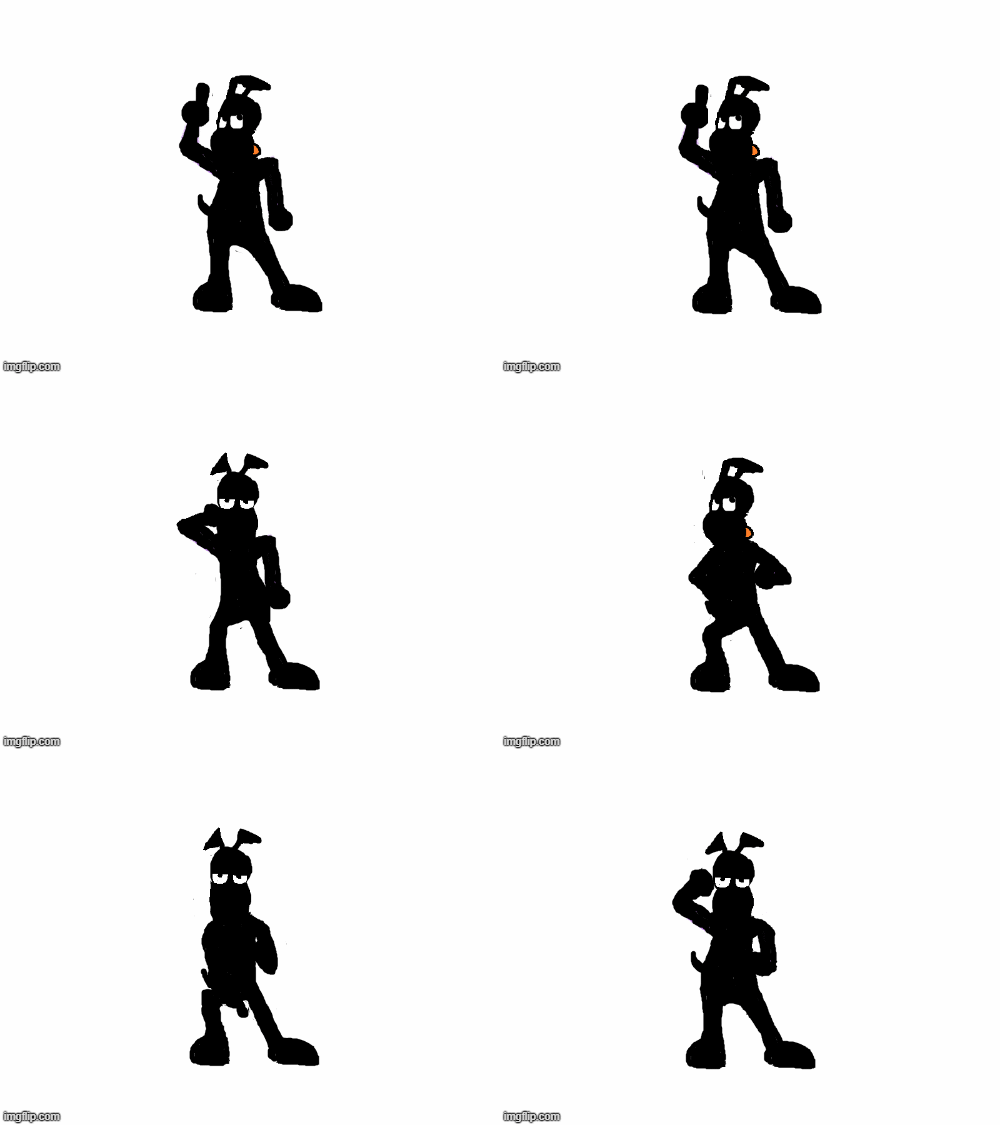
z.jpg.521cc1ee73721605b563e5940d85baf2.jpg

I load the pics into the GIF maker, imgflip, and voila, an animation!

It's the same principle with cartoons, only that they are two dimensional images with the movement changes drawn.

Like I said, I love this stuff!


TY so much. This techno dinosaur remembers the day waaaay back when there would be like a 'deck' of cartoons or photos that one would 'flip' just like a deck of playing cards. The scenes would moves just a slight mm but would give the image of advancing motion. You've moved the process into the age of technology!

Flashback for the 'wayback machine'!

  • Author
  • Experts
45 minutes ago, amoLucia said:

This techno dinosaur remembers the day waaaay back when there would be like a 'deck' of cartoons or photos that one would 'flip' just like a deck of playing cards. The scenes would moves just a slight mm but would give the image of advancing motion. You've moved the process into the age of technology!

Well, actually, GIFs have been around since 1987, but it's the same basic format that you described with the flipping of the cards. Cards, only digitized.

The first GIF that ever attracted me was here on allnurses. A member had an avatar of a line drawing of a cat swatting at a butterfly. 

cat.gif.39bfd711173dbc6f00c37ede32a8d8b9.gif:


This isn't he actual one, but pretty close.

I studied it and thought, "I could do something like that". So, after I retired, I taught myself how to make GIFs!

The process is totally enjoyable!


  • Author
  • Experts

This is a claymation animation I made today, inspired by something Curious 1997 said in a thread about Kung Fu. It's made from a total of 28 pics and about 40 frames and was an enjoyable experience:

The Midnight Male Ninja Nurse vs the Coronavirus


1241446580_mmnnvscv-.gif.052f712fee57c658a016bbf6dfb15feb.gif


  • Author
  • Experts

This is my longest GIF yet, comprised of 87 frames and lasting nearly 17 seconds, tilted Popular Topics:


705685597_poptop-.gif.90f23e6864c1d74dc9ee2deeaa6a209b.gif


  • Author
  • Experts

1763773394_flyingdo.gif.a976f29918f8f2b705ad8daf71c77064.gif

Currently Reading 0

  • No registered users viewing this page.

Account

Navigation

Search

Search

Configure browser push notifications

Chrome (Android)
  1. Tap the lock icon next to the address bar.
  2. Tap Permissions → Notifications.
  3. Adjust your preference.
Chrome (Desktop)
  1. Click the padlock icon in the address bar.
  2. Select Site settings.
  3. Find Notifications and adjust your preference.