So Thursday is my day off and since I was on iso last week with Covid I got my hair done today. Then I went to the store and got ingredients to make one of my favorite dishes. I usually do pasta but since mt body building son is cutting weight right now I made chicken thighs stewed with green chili, onions and citrus. Added black beans as a side dish and served with fresh salsa and 0 carb tortillas.




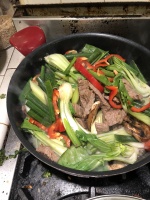

So Thursday is my day off and since I was on iso last week with Covid I got my hair done today. Then I went to the store and got ingredients to make one of my favorite dishes. I usually do pasta but since mt body building son is cutting weight right now I made chicken thighs stewed with green chili, onions and citrus. Added black beans as a side dish and served with fresh salsa and 0 carb tortillas.